Did Your Browser Crash? A Helpful Hacker Will Help You Fix It
By: Jim Stickley and Tina Davis April 28, 2026
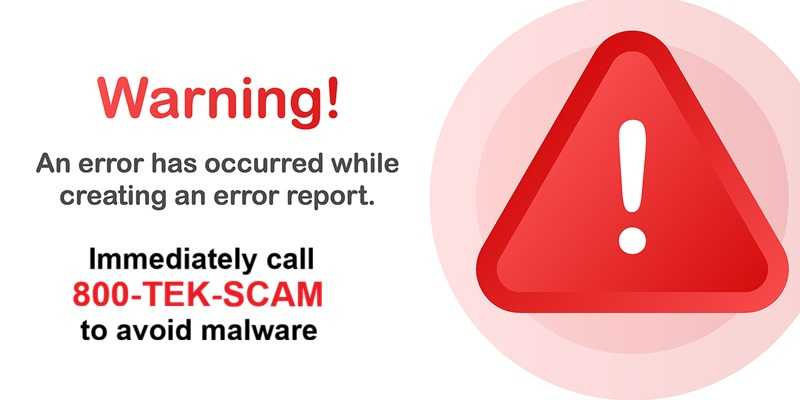
Imagine this scenario. You’re working away at your desk when your browser suddenly locks up. Maybe it flashes a warning message or an alert saying your computer has been infected with malware. The message may even tell you to call a phone number for immediate support. But, before you can even do that, your phone rings and someone claiming to be from your company’s IT department or a well-known tech company offers to help fix the issue.
And since this likely isn't your first rodeo, you already know that this is where the scam begins. In many cases, hackers deliberately trigger a browser crash or display a fake security warning designed to make it look like something is seriously wrong.
The person on the phone may sound professional and calm. They might ask you to install remote-access software so they can “repair” your computer. Once they’re connected, they can explore your system, collect login credentials, or install malware.
Researchers who discovered this attack emphasize that different from other similar types, this one relies on user interaction, such as approving remote access sessions or installing remote administration tools. AnyDesk was mentioned, but there are likely others being used. Sometimes, users were asked to enter something into a system prompt execute scripts. Don’t do it! If you do, the attackers may open a browser during remote sessions and direct you to a fraudulent Microsoft-themed interface hosted on cloud infrastructure. Specific examples were that victims were instructed to log into a fake “Outlook Antispam Control Panel” and download what was described as an “Antispam Patch.” Of course, it isn’t.
If something like this happens to you, remember that legitimate IT teams don’t typically call you out of the blue because of a browser warning. In fact, it’s unlikely they’d even know unless you told them. So, protect yourself and your organization and do not follow instructions from pop-up messages. Never install remote access tools for someone you don’t know or that you are not 100% certain doesn’t have bad intentions. Contact your company’s IT department directly using your internal help desk or official number, rather than a number that may pop up on your screen. Restart your browser or computer if it freezes. Often, that alone will fix the issue.
Trust your internal help desk. When technology misbehaves at work, the safest move is simple. Close the suspicious page and contact your organization’s IT team through official channels.
A real support technician will be happy if you checked first. A scammer, on the other hand, is counting on you not to.

 SUBSCRIBE TO WEEKLY NEWSLETTER