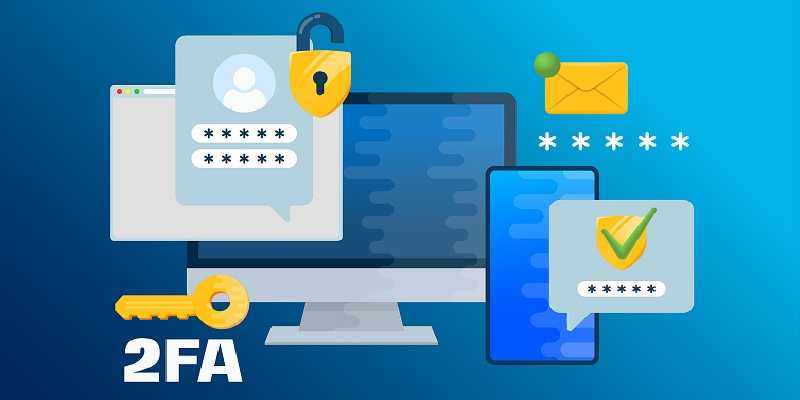
We all know that passwords alone just don’t cut it anymore. Between data breaches, phishing attacks, and password reuse, relying on a single password to protect your most valuable accounts is like locking your front door but leaving the windows wide open. That’s where multi-factor authentication (MFA) comes in. It adds extra layers of protection to your online accounts.
While many companies are implementing passkeys, not all of them have it available. So, MFA is the next best way to protect your accounts, MFA makes it so that even if your password falls into the wrong hands, no one can get in without passing additional verification steps.
What Does Multi-Factor Authentication Mean?
Multi-factor authentication means verifying your identity using two or more different factors from these three main categories:
- Something you know: Like a password, PIN, or secret answer.
- Something you have: Such as a one-time code or a hardware key.
- Something you are: Meaning a biometric identifier like your fingerprint, face, or voice.
To log in, you must provide information from at least two of these categories. That combination makes it far harder for attackers to impersonate you, even if they have managed to steal your password.
SMS and Voice-Based Codes
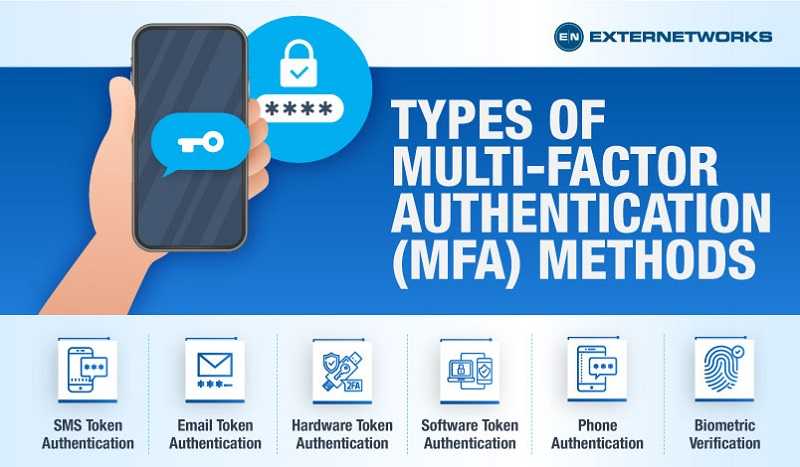
The most familiar form of MFA is when you receive a one-time code via text message (SMS) or email. After you enter your password, the service sends a code to your mobile device, which you then enter to complete the login. Financial institutions, email providers, and online retailers commonly offer SMS-based MFA because it’s easy for anyone with a cell phone or email address to use. You don’t need to install anything or buy additional hardware.
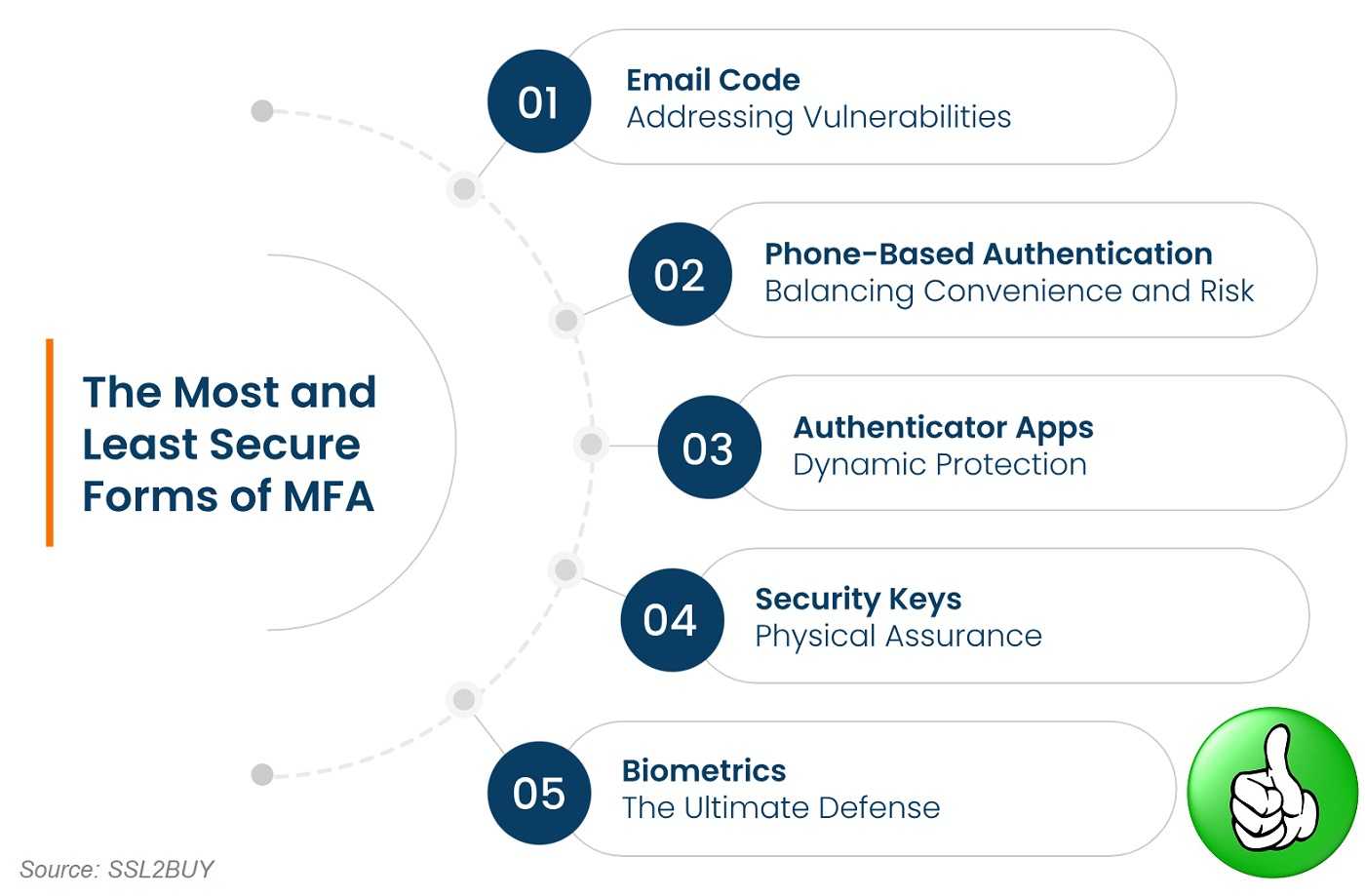
While it’s far better than using a password alone, SMS authentication is one of the weaker MFA options. That’s because attackers can exploit vulnerabilities like SIM swapping, where they convince your mobile carrier to transfer your number to their device. They can then receive your MFA codes and break into your accounts. Also, text messages can be intercepted or redirected. Plus, if you travel internationally and don’t have cellular access all the time, this might be problematic.
Better than nothing, but not the best. If a service offers more secure options, take them up on it.
Authentication Apps
Apps such as Google Authenticator, Microsoft Authenticator, or Authy take MFA up a notch. Instead of receiving a code by text, you open the app on your phone, which generates a time-based one-time passcode (TOTP). You enter that code to verify your identity. The codes change every 30 to 60 seconds. Many email, cloud storage, and financial accounts support authenticator apps. Once you scan the authenticator’s QR code during setup, the app is linked to your account and continues generating new codes offline, so it doesn’t rely on your phone signal.
These are much stronger than SMS because it’s device-based, the code never travels through the cellular network where it could be intercepted. The only way for attackers to use your code is if they physically have your phone or keyfob and can unlock it.
These are easy to use and far more secure than SMS MFA. For most people, this is the ideal choice.
Push Notifications
Push-based authentication simplifies things. Instead of typing a code, you get a notification on your phone or other device asking, “Are you trying to sign in?” You just tap Yes or No. Services like Duo, Okta Verify, and Microsoft Authenticator support this method. You need to have the apps installed somewhere else for this to work.
This is common in workplaces and with many online accounts, push authentication uses your device’s secure app to verify a login attempt directly.
As for security, it’s convenient and resistant to phishing since you’re confirming a login attempt on your own trusted device. However, attackers have found ways to abuse it through MFA fatigue attacks, bombarding users with endless approval requests in hopes that they’ll tap “Yes” out of frustration or confusion.
It’s a very secure method when used carefully. Always deny unexpected prompts, and don’t approve any login you didn’t initiate.
Hardware Security Keys
Hardware-based MFA takes security to the next level. Devices like YubiKeys, Google Titan Keys, or Feitian keys are typically tiny, lightweight devices, small enough to put on a keychain. When you log in, you simply plug in or tap your key, and it verifies your identity without exposing any codes or data that hackers could intercept.
These keys can secure email, social media, cloud services, and even password managers. It’s a very safe way to secure your accounts. Even if an attacker tricks you into visiting a fake website, your key won’t complete the login because it recognizes that the domain is different.
Although there is a small investment in the hardware key, this type of MFA is virtually phishing-proof.
Biometrics
Biometric MFA uses unique physical traits, like fingerprints, facial recognition, or voice patterns, to verify identity. You’ve probably used this already with your smartphone’s fingerprint sensor or Face ID.
These are convenient and strong, but not infallible. While it’s difficult to copy fingerprints and facial data, it has been done before. Also, if it does happen, your biometrics can’t be changed if compromised.
That said, this is excellent as part of a multi-layered approach and of course, better than SMS codes or nothing at all.
Which MFA Option Is Best?
Both hardware keys and authenticator apps provide strong resistance against phishing and man-in-the-middle attacks. SMS and voice-based MFA are still much better than using a password alone, but they’re the easiest for cybercriminals to compromise when it comes to MFA.
Many common websites use some form of MFA beyond one-time text codes, including Facebook, Google, and likely your financial institutions. Check in the security settings and see what’s offered and choose the most secure option that works for you. Whatever you do, choose some sort of MFA.

 SUBSCRIBE TO WEEKLY NEWSLETTER