October is Cybersecurity Awareness Month, but protecting yourself online does not require becoming a cybersecurity expert. Most successful attacks still rely on familiar weaknesses, such as reused passwords, delayed software updates, unexpected links, and requests designed to make people act before they think.
A few simple habits can make your accounts and devices much harder to compromise.
1. Use a Different Password for Every Account
When criminals steal a password from one website, they often test it on email, banking, shopping, and social media accounts. If you reuse passwords, one breach can give an attacker access to several parts of your digital life.
Create a unique password for every important account. A password manager can generate strong passwords and remember them for you, so you do not have to keep them all in your head.
When a service offers passkeys, consider using them. Passkeys are designed to resist phishing and eliminate the need to type or remember a traditional password.
2. Turn On Multi-Factor Authentication
Multi-factor authentication, commonly called MFA, adds another step when you sign in. Even if a criminal obtains your password, MFA may prevent that person from accessing your account.
An authentication app, security key, or passkey generally provides stronger protection than a code sent by text message. However, any MFA is better than relying on a password alone.
Never provide an MFA code to someone who contacts you. A legitimate employee should not need you to read back a security code that was sent to your device.
3. Stop Before You Click
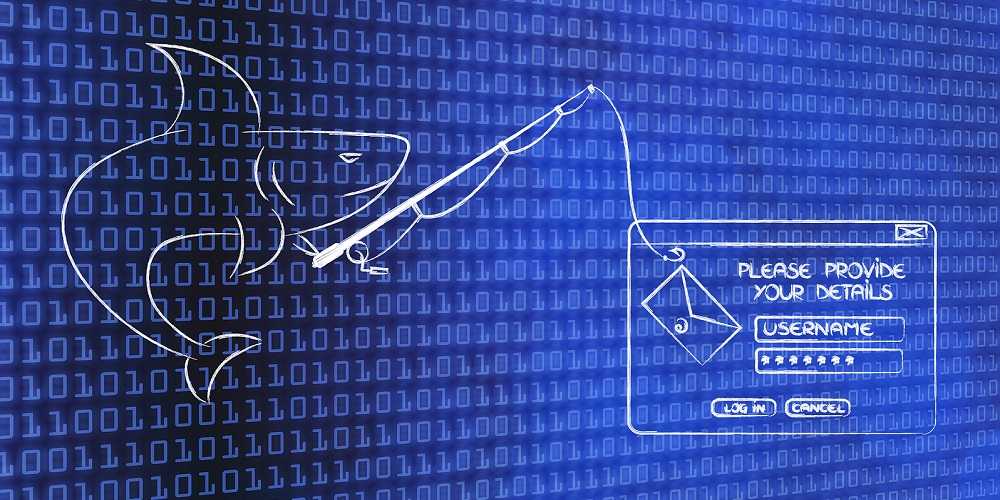
Phishing messages are no longer filled with obvious spelling mistakes and poor graphics. They may use real logos, accurate personal information, familiar names, or even a compromised email account belonging to someone you know.
Before clicking a link or opening an attachment, ask yourself:
-
Was I expecting this?
-
Is the message creating urgency or fear?
-
Is it asking for money, credentials, or personal information?
-
Can I verify the request another way?
If a message appears to come from your financial institution, employer, delivery company, or another trusted organization, open its official app or enter its known website address yourself. Do not use the link or phone number in the unexpected message.
4. Keep Your Devices and Applications Updated
Software updates often repair security weaknesses that criminals already know how to exploit. Delaying an update can leave the door open after a fix is available.
Turn on automatic updates for your phone, computer, web browser, and frequently used applications. Install software only through an official app store or the software company’s trusted website. Avoid downloading applications from unfamiliar websites or links sent through unsolicited messages.
5. Protect Your Email Account First
Your email account can be the key to everything else. If a criminal gains access, that person may be able to reset passwords, view private messages, impersonate you, and discover which organizations you use.
Give your email account a strong, unique password and MFA. Review its security settings occasionally for unfamiliar devices, forwarding rules, recovery addresses, or connected applications.
If your email provider notifies you about an unexpected login or security change, investigate by opening the provider’s official app or website.
6. Use Caution on Public Wi-Fi
Public Wi-Fi can be convenient, but it is not the best place to access financial accounts or exchange sensitive information.
Criminals can create wireless networks with names that resemble those belonging to hotels, airports, restaurants, or conference centers. Before connecting, confirm the correct network name with an employee or posted sign.
Avoid installing software or certificates to use public Wi-Fi. When possible, use your phone’s cellular connection or personal hotspot for sensitive activity.
7. Monitor Your Accounts and Act Quickly
Turn on alerts for financial transactions, password changes, new-device logins, and other important account activity. These notifications can help you identify suspicious behavior before a small problem becomes a much larger one.
Review financial statements and credit reports regularly. If you see something you do not recognize, contact the organization using a trusted phone number or official website.
If you believe an account has been compromised, change its password from a trusted device, end other active sessions, review the account’s security settings, and report the incident immediately.
The Bottom Line
Cybersecurity is not about recognizing every new scam. It is about building habits that continue to protect you when a message, website, or caller looks convincing.
Use unique passwords, enable MFA, install updates, verify unexpected requests, and monitor your accounts. Each step creates another obstacle for criminals. Put them together, and you make yourself a much harder target.

 SUBSCRIBE TO WEEKLY NEWSLETTER





 Medicare Phone Scams Circulating Now