Your Hotel's Wi-Fi May Be Working Against You
By: Jim Stickley and Tina Davis
October 18, 2026
You check into your hotel, grab your laptop, and connect to the Wi-Fi. You enter the room number and password, open your browser and head to Microsoft 365.
Everything looks normal, but it may not be.
Security researchers at ReliaQuest recently reported a campaign in which attackers have been compromising Wi-Fi gateways at hotels, conference centers, and other shared locations. The activity has been observed since at least June 2026 and has affected networks in multiple U.S. cities. But they’ve also gone worldwide into locations in India and Saudi Arabia.
Once attackers gain control of the Wi-Fi equipment, they can manipulate DNS. In plain English, DNS helps your device find the website you are trying to visit; liken it to an “old fashioned” phone or address book. By tampering with it, criminals can quietly send you somewhere they control.
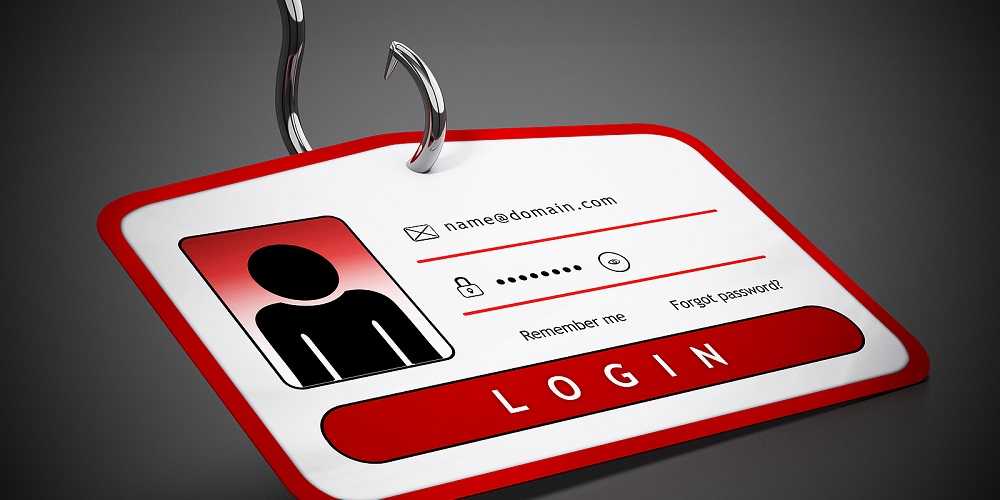
That means you could type in a legitimate Microsoft 365 address and still wind up on a fake login page designed to steal your information.
And it gets sneakier.
ReliaQuest also observed attackers abusing Microsoft’s device-code sign-in process. In some cases, a victim could be shown what appears to be a legitimate Microsoft authorization request. Approving it could give the attacker a valid session, potentially allowing them to access the victim’s Microsoft 365 account even though the victim never handed over a password.
ReliaQuest says the techniques resemble attacks previously associated with the group APT28, also known as Fancy Bear and Forest Blizzard. However, the researchers stop short of directly attributing this campaign to that group.
What can you do?
- Avoid accessing sensitive work accounts on public Wi-Fi when possible.
- Use your company’s VPN, especially if it is configured to remain connected.
- Never approve an unexpected Microsoft sign-in or device authorization request.
- If a login page looks unusual, stop and contact your IT department.
- Keep your laptop and phone updated with the latest OS versions, patches, and app updates.
- When traveling for work, consider using a cellular hotspot instead of hotel Wi-Fi.
The important lesson is that sometimes the problem isn’t your laptop. It is the network your laptop just joined.

 SUBSCRIBE TO WEEKLY NEWSLETTER