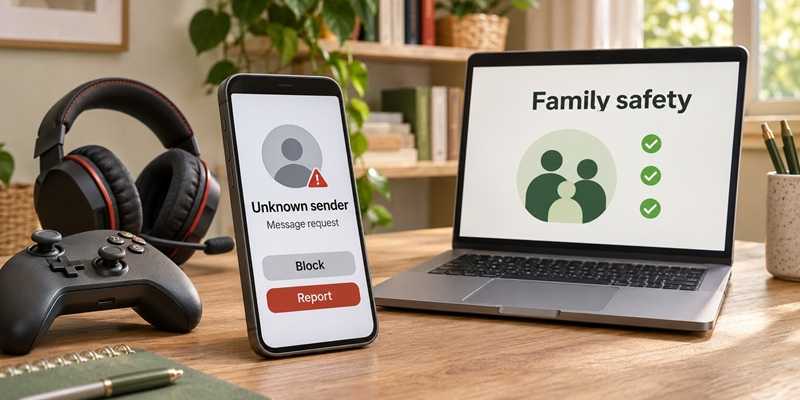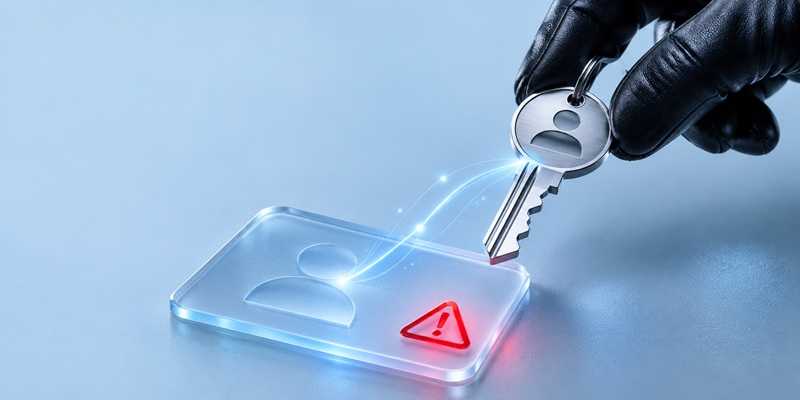
You try to log in, but your password no longer works. Maybe you mistyped it. Maybe the service is having trouble. But if you also receive an unexpected password-change notification or notice unfamiliar transactions, someone else may have gained access to your account.
Account takeover, or ATO, happens when a criminal gains unauthorized access to an existing account. Banking, email, shopping, and social media accounts can all be targets.
The consequences can be costly. Javelin Strategy & Research’s 2026 Identity Fraud Study found that account takeover affected approximately 6 million U.S. consumers in 2025, an 18% increase from 2024. Losses exceeded $15 billion.
2
Attackers don’t always need to guess your password. They may obtain it through a data breach, a fake login page, or malware that steals information from your device. Reusing passwords gives them another opportunity: a password stolen from one service may work on another.
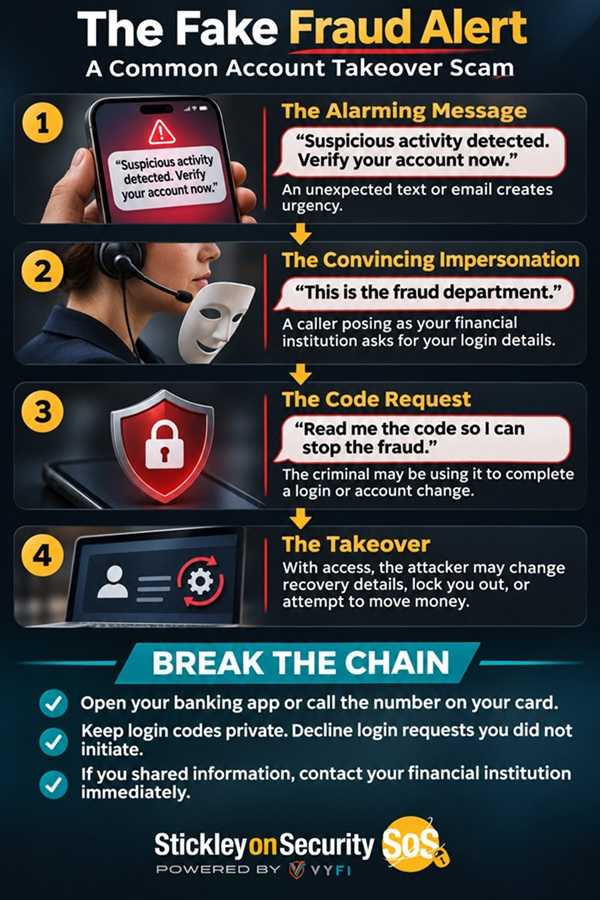
Some attacks go further. Criminals can trick people into revealing verification codes or steal browser session information that helps keep users signed in. That means a password and a verification code are useful protections, but they are not the entire defense.
Once inside, criminals may change your password or recovery information, make unauthorized purchases, steal money or information, or use your account to scam other people. A takeover involves an existing account; opening a new account using someone else’s identity is a separate form of fraud.
2
Warning signs include an unfamiliar login alert, an unexpected password reset, or a notification that your recovery email address or phone number changed. Messages sent from your account that you didn’t write also deserve immediate attention.
An unexpected verification code can indicate someone is attempting to access your account. It doesn’t necessarily mean they succeeded, but don’t share the code or approve a login request you didn’t initiate.
2
-
Give every account its own password. Use long, unique passwords. A reputable password manager can help create and store them.
-
Choose stronger sign-in protection. Enable multifactor authentication. Passkeys and security keys offer protection against phishing. Authenticator apps are another useful option; text or email codes are better than having no second factor.
-
Keep verification codes private. Don’t give a login code to someone who contacts you, even if they claim to represent your financial institution or a company you recognize.
-
Verify through a trusted route. Open the company’s app, use a saved website address, or call a number from your card or statement. Avoid contact details supplied in a suspicious message.
-
Pay attention to alerts. Review available login, account-change, and transaction notifications. Investigate activity you don’t recognize through the provider’s official channels.
-
Keep devices updated. Install security updates and avoid unexpected downloads that could steal your information.
2
For a financial account, contact your bank or credit union immediately using a trusted number. Report unauthorized activity and ask for help securing the account.
For other accounts, follow the provider’s official recovery instructions. From a trusted, updated device, change the compromised password and any reused passwords. Use available controls to sign out other sessions, review recovery details, and remove unfamiliar access. For email accounts, check for forwarding rules you didn’t create.
If someone used your account to contact others, warn those people through a separate channel. If your identity was stolen, visit IdentityTheft.gov for a recovery plan.
An account takeover can affect more than one login. Stronger sign-in protections, attention to unexpected changes, and a quick response can help limit the damage.
For banks and credit unions
Share this article with your members
Copy a ready-made summary and link for your newsletter, website or social posts.