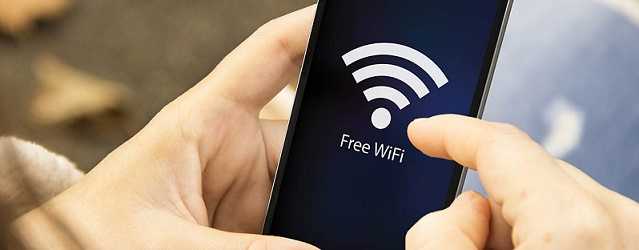
It’s convenient to use the features on your smartphone to automatically connect to wireless networks when you’re out and about. Unfortunately, this may leave your information vulnerable to those who might like to steal it.
AT&T and Comcast allow users to do this by default. Included in the devices are lists of trusted Wireless networks and login credentials and once you log in to one, your device can connect to any other hotspot that is broadcasting the same network name and SSID. And if you log in within a day of the previous time, no re-authentication is necessary. You could be connected and not even know it.
It’s not difficult for a hacker to set up a hotspot and name it the same as AT&T or Comcast and create a fake login page. The information gathered could be used to gain access to website accounts, payment information, and other confidential data.
To avoid allowing your device to automatically connect, configure it to require your permission before joining a wireless network. This has been available on iOS for quite some time, but Android users were only given this feature with the latest AT&T carrier update. Therefore, ensure those devices are running the latest version.
To be extra safe, avoid connecting to public Wi-Fi hotspots. If you just can't resist connecting, don’t log into sites that hold confidential data or financial information. If you must conduct financial transactions or the like, it's safer to use the 3G or 4G connection on your phone or tablet and use the organization’s mobile app. In addition, install a security product from a reputable company that is downloaded from your device’s official app store.
For banks and credit unions
Share this article with your members
Copy a ready-made summary and link for your newsletter, website or social posts.