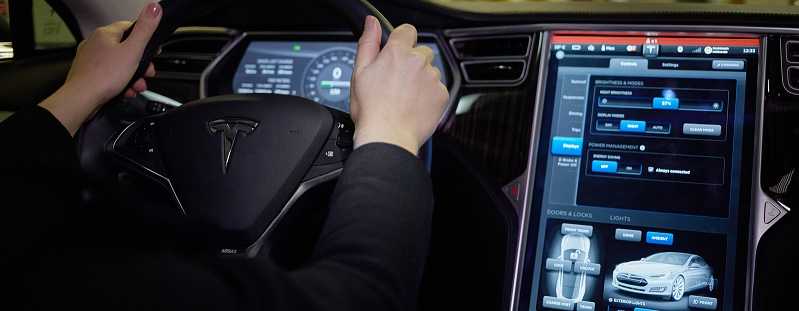
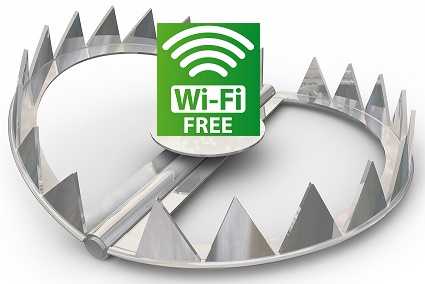
A Norwegian security firm provided a demonstration proving that it’s easy to manipulate and steal a Tesla electric car using the Tesla app. In the demonstration, a developer was able to convince Tesla owners to click a fake ad offering them a free burger at a local restaurant. He used a fake free WiFi hotspot to do it as well.
 The reality is that it may not be the complete fault of the Tesla app, but indeed this shows how phishing can work to get malware on a device or how a device can be taken over using these techniques.
There are ways to avoid installing malware.
1. Always do research on the apps you install on any of your devices. Check the reviews and comments in the app store. If there are only a few reviews and particularly if they are all really good ones, perhaps you should wait a while before downloading it. This doesn’t mean it is definitely a bad app, but it could mean that the reviews are fake and the app could be harmful.
2. Also, be sure to always download apps found in the official app store for your particular device. This is the Google Play Store for Android, the Apple App Store for Apple devices, the Microsoft Store for Windows devices, and BlackBerry World for BlackBerry devices. Sideloading, downloading from third-party locations is not recommended because the items that make it into the app stores generally go through more stringent scrutiny before being allowed in.
3. Keep all devices updated with the latest versions of the operating systems and software. If you are using a device that is no longer supported, it’s recommended that you upgrade to something current so that you have more security protection available for the device.
4. Use a lot of caution when logging into free WiFi. Even if a password is required, it does not guarantee the connection is safe. If you are using these hotspots, avoid doing any transactions that involve sensitive information, such as performing online financial transactions.
5. Finally, be aware of being prompted to download something to your device. If you didn’t initiate it, do some investigation before allowing anything onto your phone or tablet.
Tesla issued a statement saying that this report did not demonstrate any vulnerability that is specific to its app, but rather how a compromised phone can lead to such issues.
For banks and credit unions
Share this article with your members
Copy a ready-made summary and link for your newsletter, website or social posts.