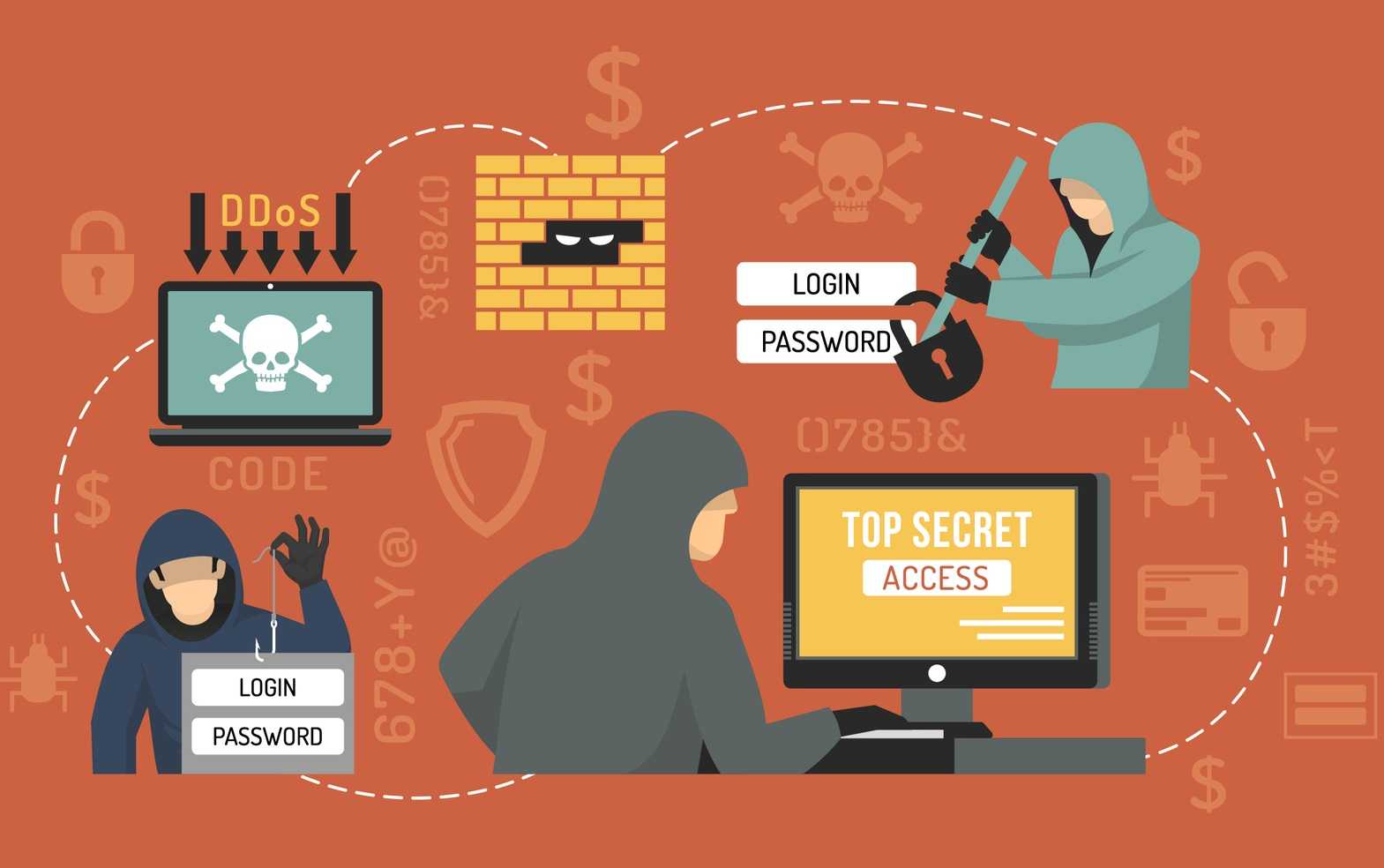
Statistically speaking, one out of every 10 employees is a security risk to his or her organization. That’s because hackers find it far easier to go directly to a user connected to an organization’s network than to put in the effort to exploit other weaknesses. There are several ways they accomplish this and all of them are aimed directly at users.
 Phishing: Scammers are getting better at making phishing messages look authentic. Often, they will contain the recipient’s first and last name, personal information, and details that the recipient believes only the sender would know. Much of this can be gleaned from social media and networking.
Malvertising: These are advertisements that contain malware. They are particularly prevalent on social media and social networking sites. Often used successfully for this is clickbait. This is sensational advertising or using something particularly enticing to bait users into clicking.
Drive By Browsing: Malicious code is inserted into websites. The criminals count on you to land on the page; even if by accident or only very briefly. They count on the user making typos of the names of well-known sites such as for financial institutions and these may be only one letter off to result in a successful attack.
No matter how many tools may be implemented on the network to protect from these things, it comes down to you. If they convince just one employee to click a malicious link or attachment, click an advertisement or even just quickly land on a malicious web page, it may be a huge success for hackers.
 Here are some ways you can help keep your organization safe:
- If you are ever unsure about an email message or a request, ask your manager for assistance.
- Always carefully read and verify links or attachments in email messages that you are not expecting. Do this by phoning, texting, paying a personal visit, or sending a completely new email.
- Pay attention to what the sender is requesting. If whatever he or she is asking for seems a bit out of the ordinary or includes sensitive details, verify the request before sending the information.
- Remember that email is generally not a secure form of communication; so don’t send sensitive information such as W-2 information, social security numbers, or confidential information in email; even if it’s internal.
- Limit the information you share on social media and social networking sites. This can be used for spear-phishing attacks.
- Avoid going to unknown websites and social media using the organization’s network. If you need to go to any of these sites, use your mobile device when it isn’t connected to the network.
If you accidently execute malware, are a victim of a phishing scam, or notice your computer or mobile devices behaving strangely, ask your manager or IT department for assistance.
For banks and credit unions
Share this article with your members
Copy a ready-made summary and link for your newsletter, website or social posts.