


It looks like Apple might be in the headlines a lot this year. Adding to the highly publicized story as to how updates slow down older iPhones, a recent issue with typing in “root” as a password to get full access to computers is a new little “feature.” This one allows a user to unlock the App Store without knowing the password. All one has to do is type in any password of any length. It even works with no password at all. It’s true. I tested it.
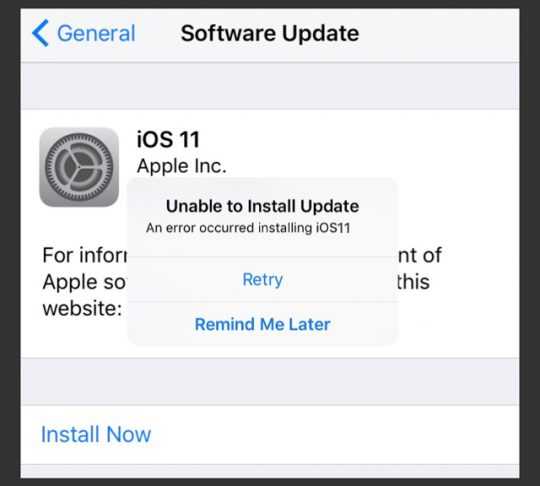 Apple claims to have already created a patch for this, which so far affects only High Sierra. It just hasn’t been released to the general public. It’s currently in a testing phase. But when you do notice an update is ready for your device, apply it immediately. While it isn’t nearly as serious as the earlier-reported “root” password issue, it’s still a worry for those who like to ensure their App Store purchases are protected. Better yet, enable automatic updates for your devices to ensure it gets applied as soon as it’s available.
Even if you are the only one to use your computer, it’s still a great idea to lock it up whenever it isn’t in use. This is particularly important when you are using it in public places. Even take it with you into the bathroom. I know. Ick. But, theft of hardware happens often. Consider how much information and access someone would have if they simply walked off with your computer.
 If you want to test this bug yourself, it’s very simple. Just open your preferences menu, click on the App Store icon, and click the padlock to lock it, if it isn’t already locked. Then click on the locked padlock, choose to unlock it with a password, hit the return key or enter any password, et voilà! It’s open for business.
For banks and credit unions
Share this article with your members
Copy a ready-made summary and link for your newsletter, website or social posts.




