


It has happened. A company has done something proactive to alert users about potential accidental exposure of their passwords. In this case, GitHub, a host of software development tools used by millions (over 27 million if you ask GitHub), notified some users that others may have viewed their passwords due to a “recently introduced” bug. This bug was found during some routine auditing. Instead of hiding it and fearing what may happen, the GitHub management stepped right up to the plate.
They did the responsible thing and sent a notification to those who may have been affected all of their own accord.
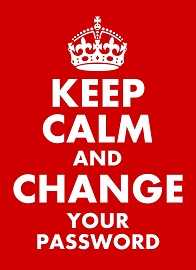 If you get an email from GitHub or any organization telling you that your password may have been compromised, change it right away. Go directly into your account and change it there, even if you receive a link that makes it easier. Often, phishing attackers hope that you will believe a fake compromise notification and click malicious links they place in email messages. That is why it is always better to change any account information by logging in directly using a link you had previously bookmarked or that you are completely confident is safe to use.
GitHub said that no data breach occurred and that even though the unencrypted passwords were in the site’s internal logs, it is unlikely anyone, including GitHub staff viewed them. However, those affected are being sent the notice and are required to reset passwords to regain access to their accounts.
The bug that was introduced has also been corrected. So it’s OK to reset your passwords and use the site.
 GitHub has set a great example. If people are told in advance about a potential problem and there is honesty to the disclosure, they are more likely to give you a break in the future. Many would agree, it’s also just the responsible thing to do.
For banks and credit unions
Share this article with your members
Copy a ready-made summary and link for your newsletter, website or social posts.




