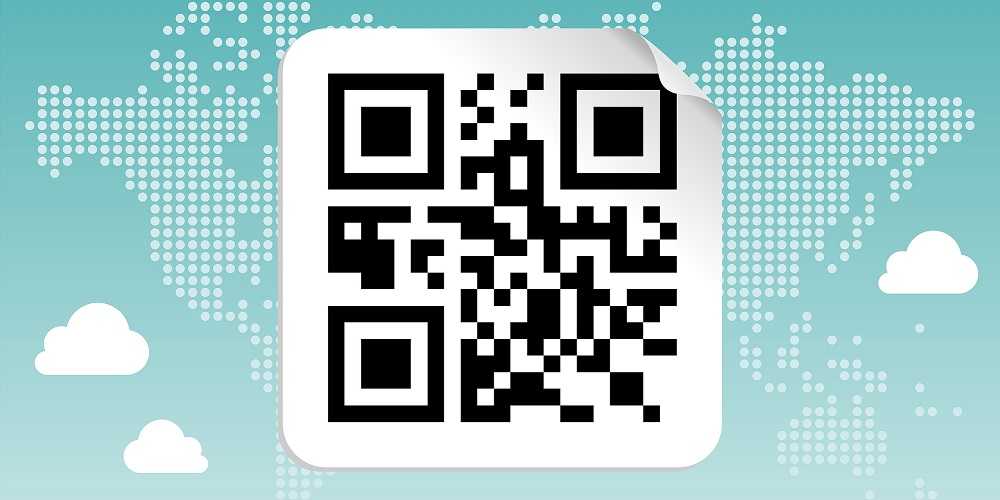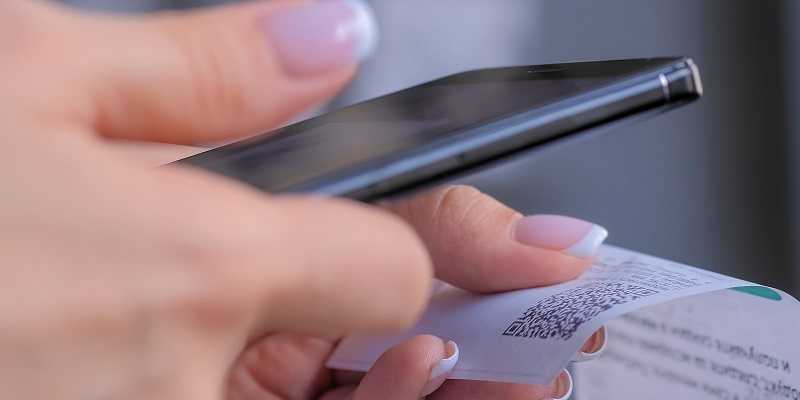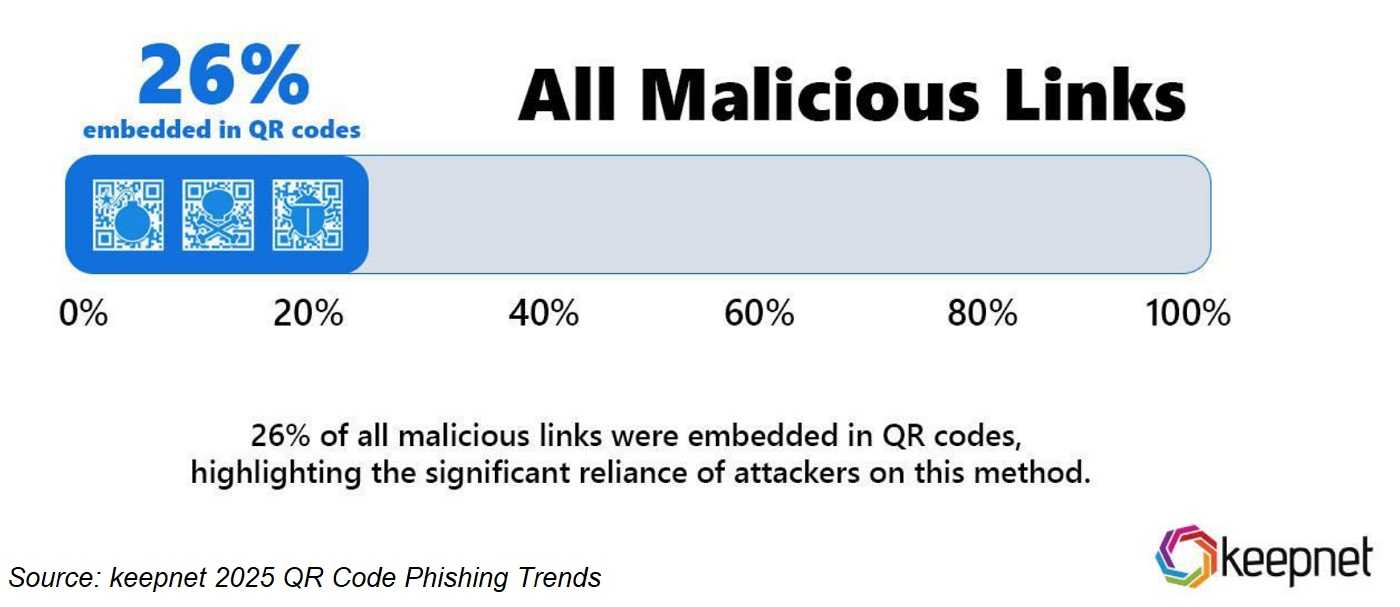
Scanning those helpful QR (quick response) codes get us information in a flash. These handy codes are used everywhere and for everything—and that’s part of the problem. Cybercriminals are creating malicious QR codes that bypass anti-malware. And now, they’re going after those in large and small organizations alike, including financial institutions. Find out why you should stop before you scan that next QR code.
2
Hackers use those busy black and white QR codes to hide malware that infects devices and steals personally identifiable information (PII). Hacking campaigns now use them in phishing emails going after some big organizations. Financial institutions like Chase and CapitalOne, logistics companies like FedEx and DHL, and even Air Canada have all been in the QR code crosshairs. Human Resource departments are a big target because they have access to a lot of sensitive information. After all, it’s so easy to scan it and go right where you think you need to be. So why wouldn’t you scan it?
Well, in one case, an employee was sent a phishing email, including a QR code, from “Payroll and Benefits.” Once scanned, they ended up on a phishing page designed to steal their PII, and then not only HR had their PII, so did the hacker.
As much as QR codes are convenient, there’s risk involved in scanning them. One safety measure is always using 2FA when it’s available since it provides an additional layer of identity security. Another is not being “QR crazy,” so limit scanning to only those that are necessary and trustworthy. And if you think you’ve scanned a malicious QR, go directly to the legitimate website and change your password. If you did it at work, contact your IT department or manager immediately.
Remember, like most technology we love to use, including QR codes, cybercriminals love it too but for very different reasons—so next time, stop before you scan.
For banks and credit unions
Share this article with your members
Copy a ready-made summary and link for your newsletter, website or social posts.