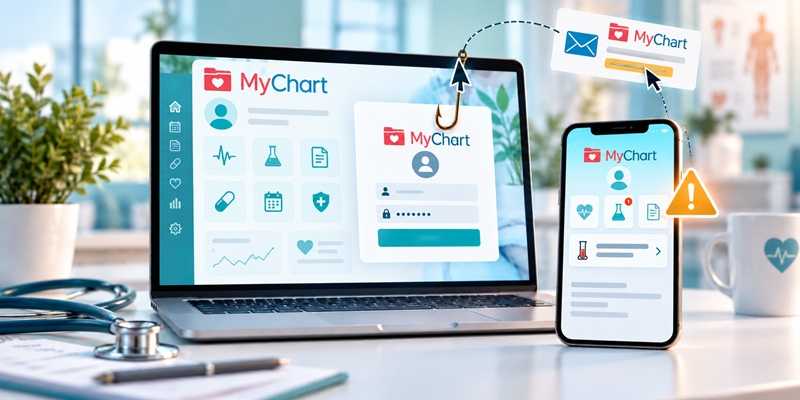
Attention everyone who uses an app to help manage your healthcare! There are several of them out there, but if you use MyChart, you may want to take a closer look at your next email or text message.
A nationwide phishing campaign is targeting MyChart users with messages designed to look like they came from the popular patient portal. Healthcare organizations across the country are warning patients about the scams, and Epic, the company behind MyChart, has published its own guidance.
One version of a scam promises freebies, such as a "MyChart Medicare Kit" or "Senior Health Package." Another takes a more alarming approach, telling you that important test results are available and providing a link to view them.
Both are scams and there are likely others.
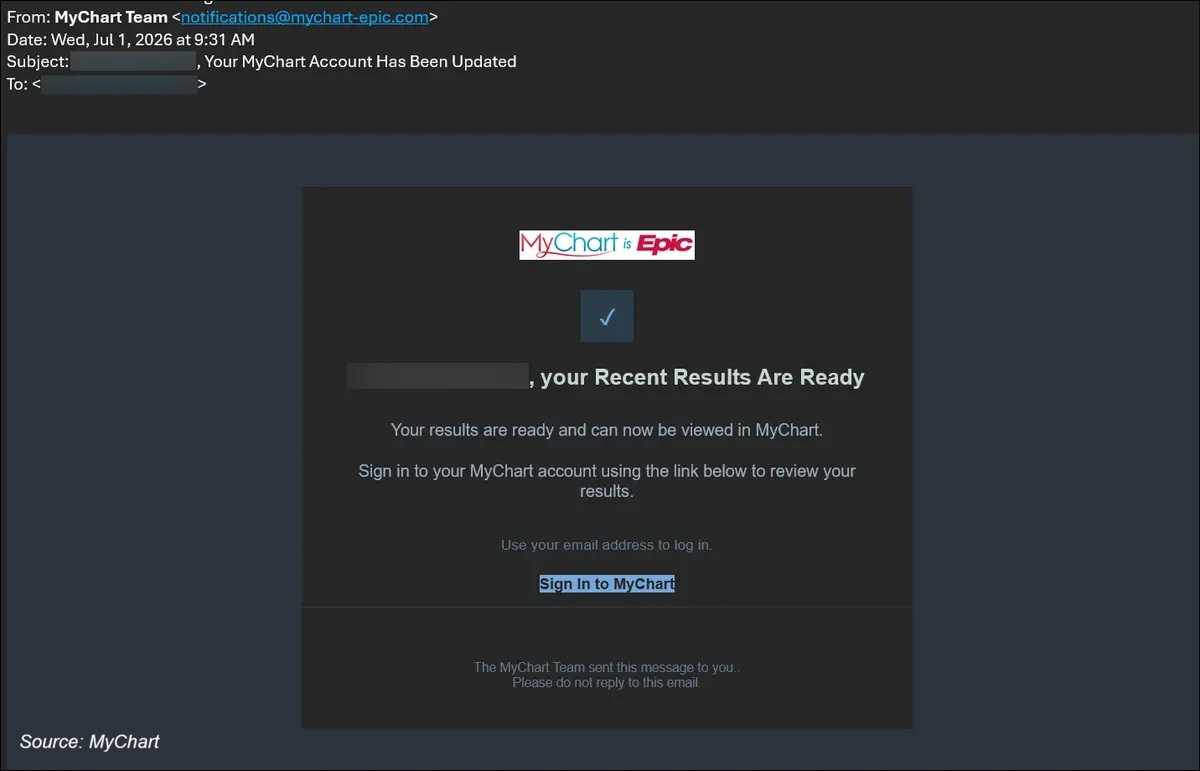
Example MyChart phishing email
2
As we've seen far too often, it's getting harder to tell reality from fiction in the digital world. These messages can use MyChart's familiar name and logo, along with language that sounds perfectly legitimate for a healthcare notification.
Click the link, and you may be taken to a fake website designed to look like MyChart. In fact, you'll have to look closely to determine whether you're dealing with the real thing or a digital imitation.
2
In one version documented by Epic, victims are shown a phony medical record and told an "AI-powered review" has discovered concerning results. They're then instructed to perform keyboard commands to "verify" they're human.
Don't do it. Those commands can actually execute malware on a Windows computer.
Another version offers a supposedly free health kit. Eventually, victims are asked for personal information, a mailing address, and payment-card details to cover a small shipping charge.
2
You've heard it before, but it bears repeating: Don't click the link.
If you want to check your medical records, open the MyChart app directly or type your healthcare provider's official MyChart website into your browser.
Epic says it will never ask for your MyChart password or verification code by phone, text, or email. MyChart also doesn't run giveaways or offer free health kits. And if someone suddenly offers you healthcare freebies, that's probably your cue to hit the brakes.
2
- If you clicked a suspicious link but didn't enter any information, close the page. To be safe, run an antivirus scan.
- Don't reply to suspicious messages or click "unsubscribe." Either action can confirm that your email address or phone number is active. Instead, report the message as spam, junk, or phishing.
- Review the contact information in your MyChart account and make sure it is accurate and current.
- If you entered your MyChart credentials into a suspicious website, change your password immediately and contact your healthcare provider's MyChart support team. Use a strong, unique password containing a combination of upper- and lowercase letters, numbers, and special characters.
- If you're unsure whether a message is legitimate, contact your healthcare provider's office or official support line using contact information you find independently.
- If you entered payment-card or other financial information, contact your financial institution immediately and ask about cancelling and replacing the card.
- If you followed instructions to run a program or enter keyboard commands, disconnect the computer from the internet immediately. Have it checked for malware or spyware before using it to access sensitive information again. You may need to take it to an IT support professional.
A familiar logo doesn't make a message legitimate. When it comes to your medical information, take the extra few seconds to open MyChart yourself. And if you're ever unsure whether to click a link or attachment, don't. Contact your healthcare provider independently and verify the message first.
For banks and credit unions
Share this article with your members
Copy a ready-made summary and link for your newsletter, website or social posts.