

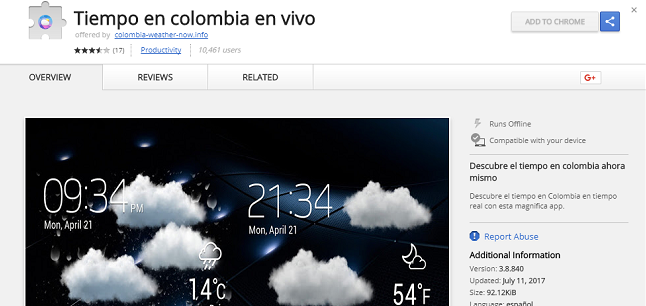
Sometimes it’s easy to get sidetracked and quickly click buttons that will shoo away dialogue boxes that pop up when we’re browsing. However, it’s important not to fall into that trap. A trick that has been successful at getting users to install fake add-ons and extensions to their browsers is still in use. Recently, a researcher from Malwarebytes found one extension that causes Chrome to redirect users to YouTube videos, causing the number of views to be inflated. And even more frustrating is that it has proven nearly impossible to remove using manual methods.
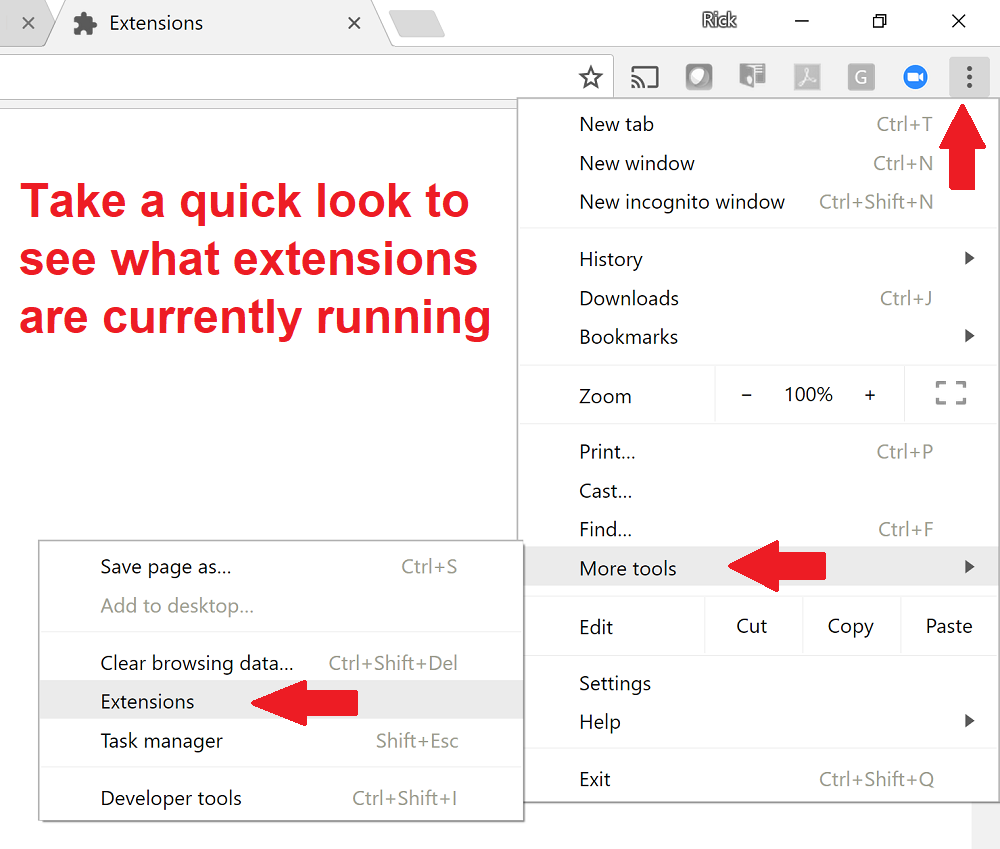 The extension to Chrome is called “Tiempo en Colombia en vivo.” If it’s installed, users won’t be able to access their list of installed extensions to deactivate or uninstall them. Instead, it just keeps redirecting to a phony Chrome extension page. The real one is chrome://extensions/. If you click on your Chrome settings and it goes somewhere else, it’s possibly malware.
The researcher tried exhaustively to manually remove the malware on a test machine. However, even with all his experience in this area, he was still unsuccessful; at least to a point where the time and effort spent would be worth it for most people. He recommends using your anti-virus software to automatically remove the extension. For some, this isn’t ideal and there are ways to do it the painful way, if one so desires. For most, though, make sure the anti-virus software on all your devices is updated and use that, if you did install this.
Hopefully, you didn’t. But still keep that anti-virus software updated at all times and set it to scan your devices automatically.
 As for add-ons and extensions, use caution when installing them. Most of the time, it’s not necessary to do so. Pay attention if a box pops up saying you must do so in order to view a page. Always default your response to “no” or the negative response. If it doesn’t allow you to cancel, it very well could be malware trying to install. If you are sure you want to view the page and are confident that installing an add-on won’t infect, then go ahead. However, when in doubt….just don’t.
You may ask why someone would want to inflate YouTube views. Well, it comes down to popularity and/or money. The more clicks, the more advertising revue a YouTuber can get. It’s a simple as that.
For banks and credit unions
Share this article with your members
Copy a ready-made summary and link for your newsletter, website or social posts.




